ShowTwin Layers
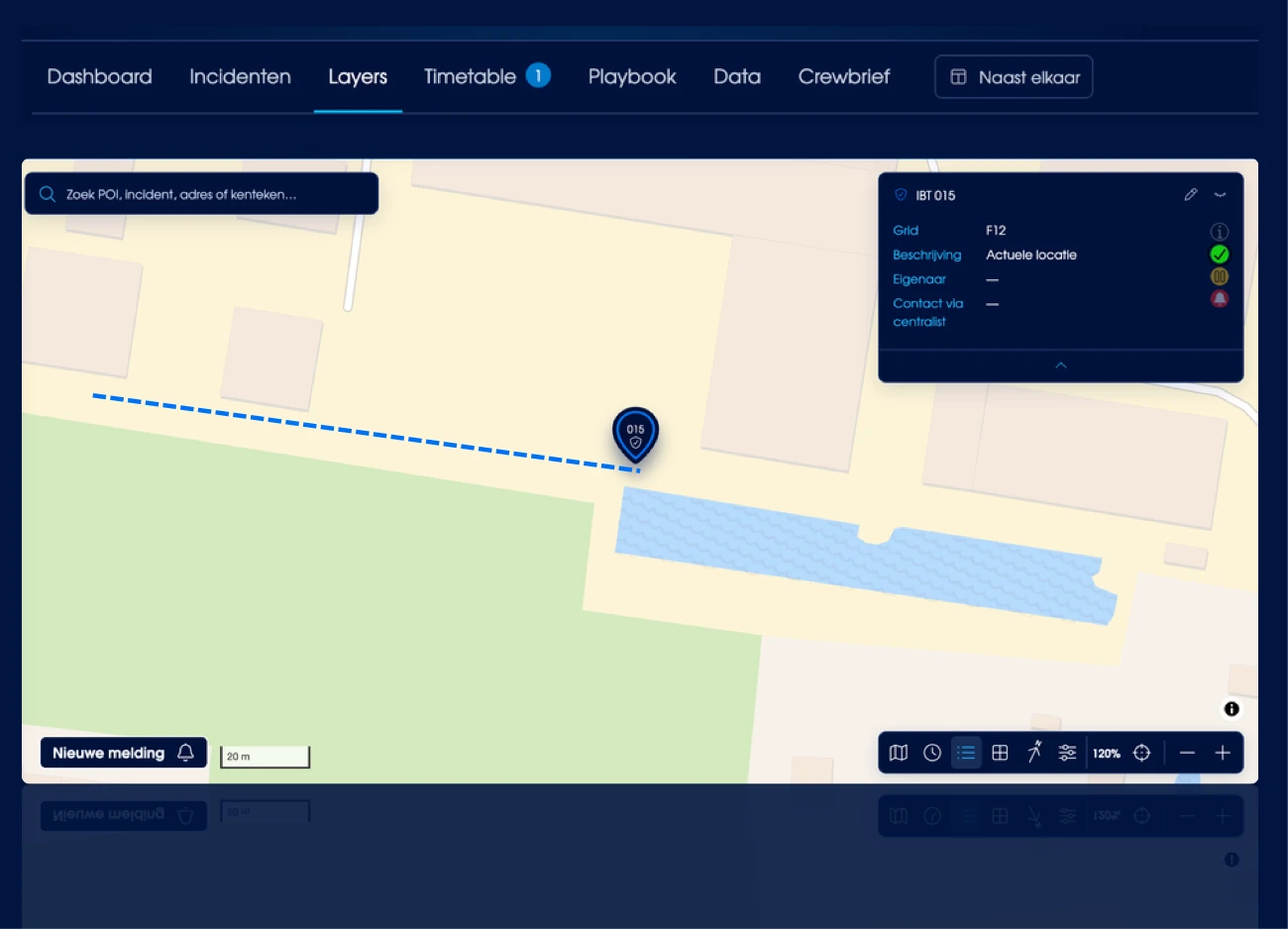
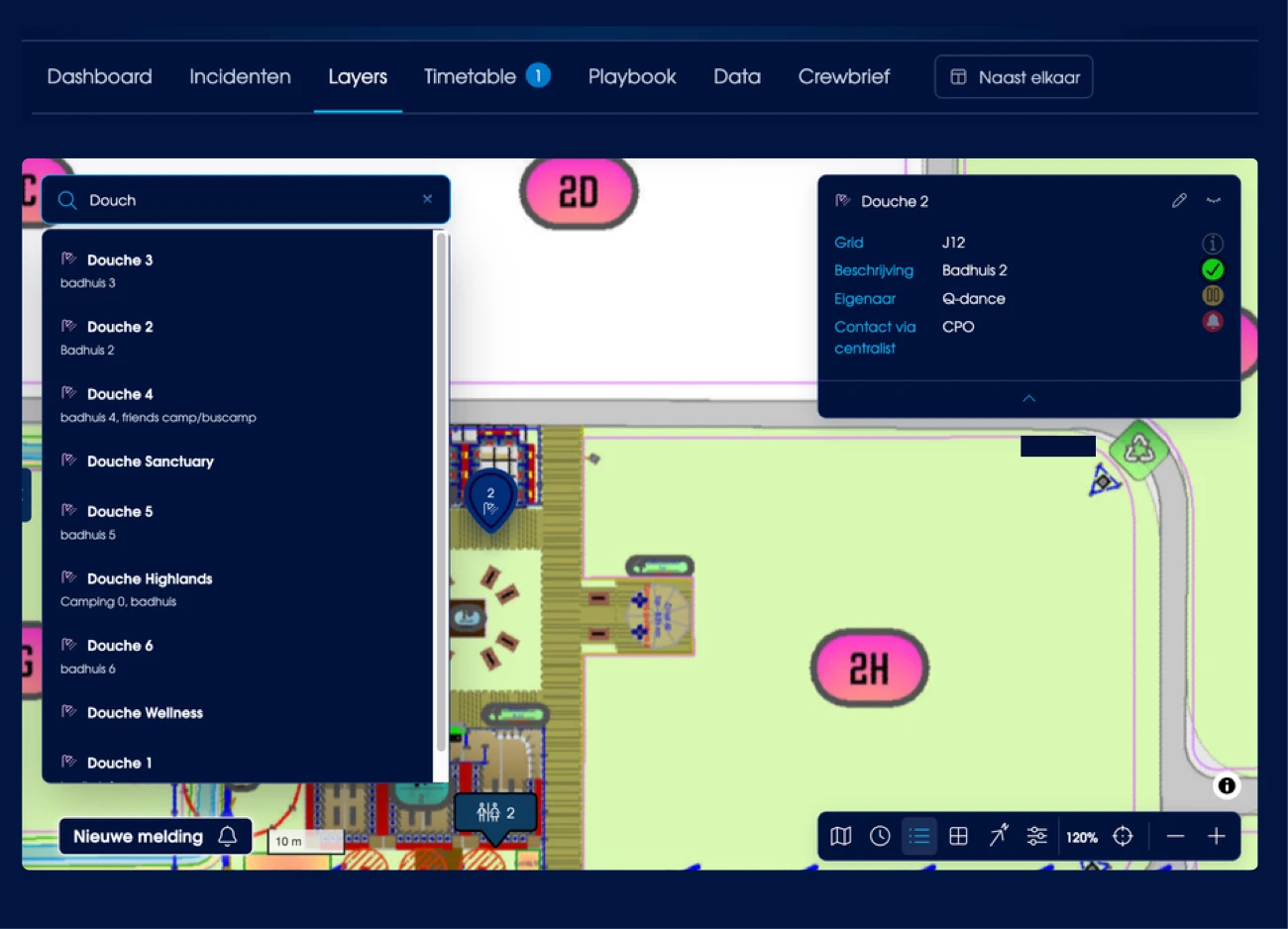
Bring locations, routes and live information together on one interactive event map.
Log reports on the map, assign them and track progress from the control room.
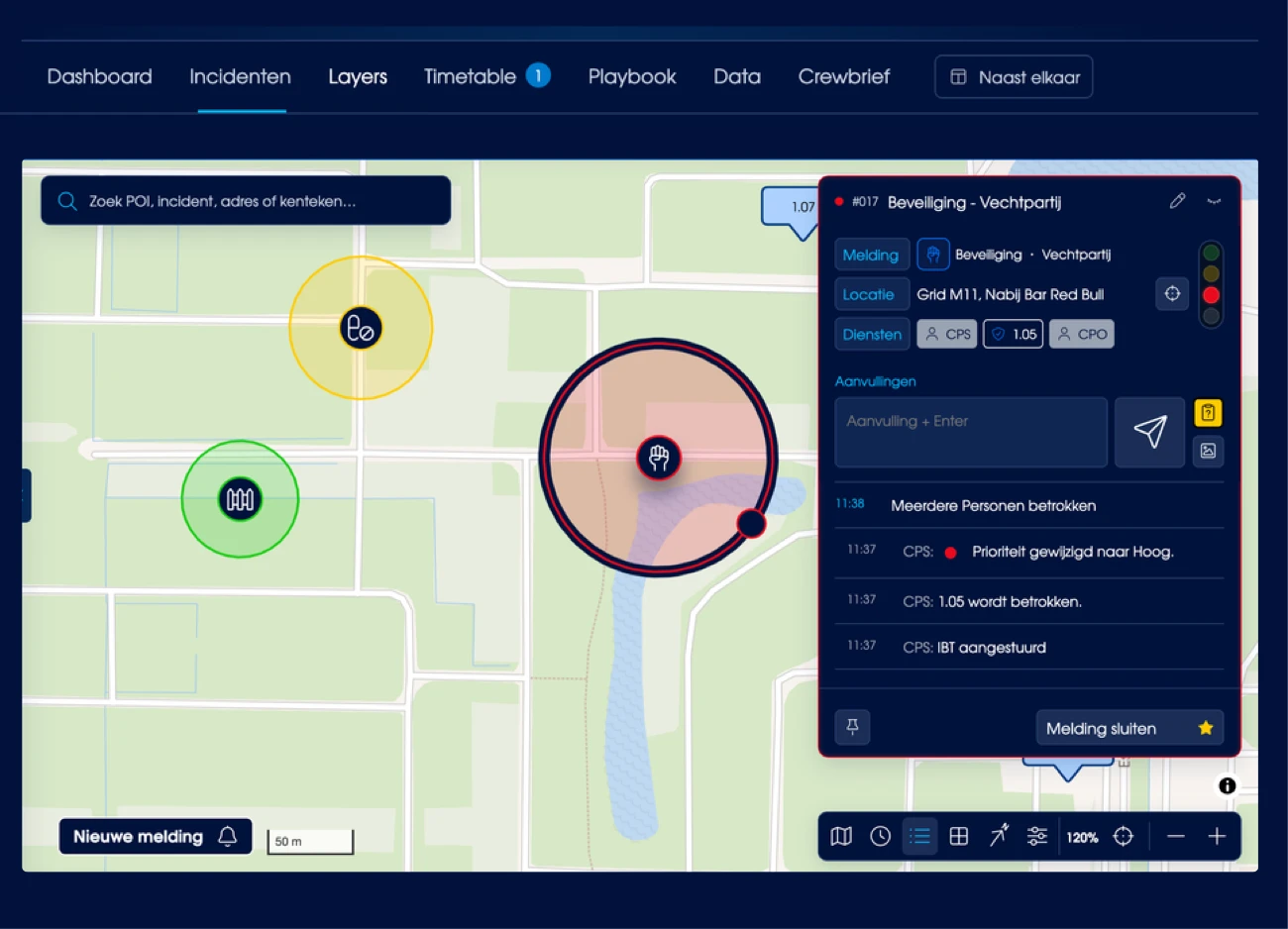
When a team reports a problem, the control room needs to know where it is and who is handling it. In ShowTwin, mark the location on the map, choose the report type and assign it to the right team. Colleagues can see the report on the same map and follow its progress.
A blocked entrance or a technical fault are two examples. Tell us which types of reports you expect and which teams review or resolve them. We can then set up the workflow around how your control room operates.
Log the report at the correct point on the map.
See which team is responsible and what has been done.
Bring locations, routes and live information together on one interactive event map.
See where connected teams are on the event map.
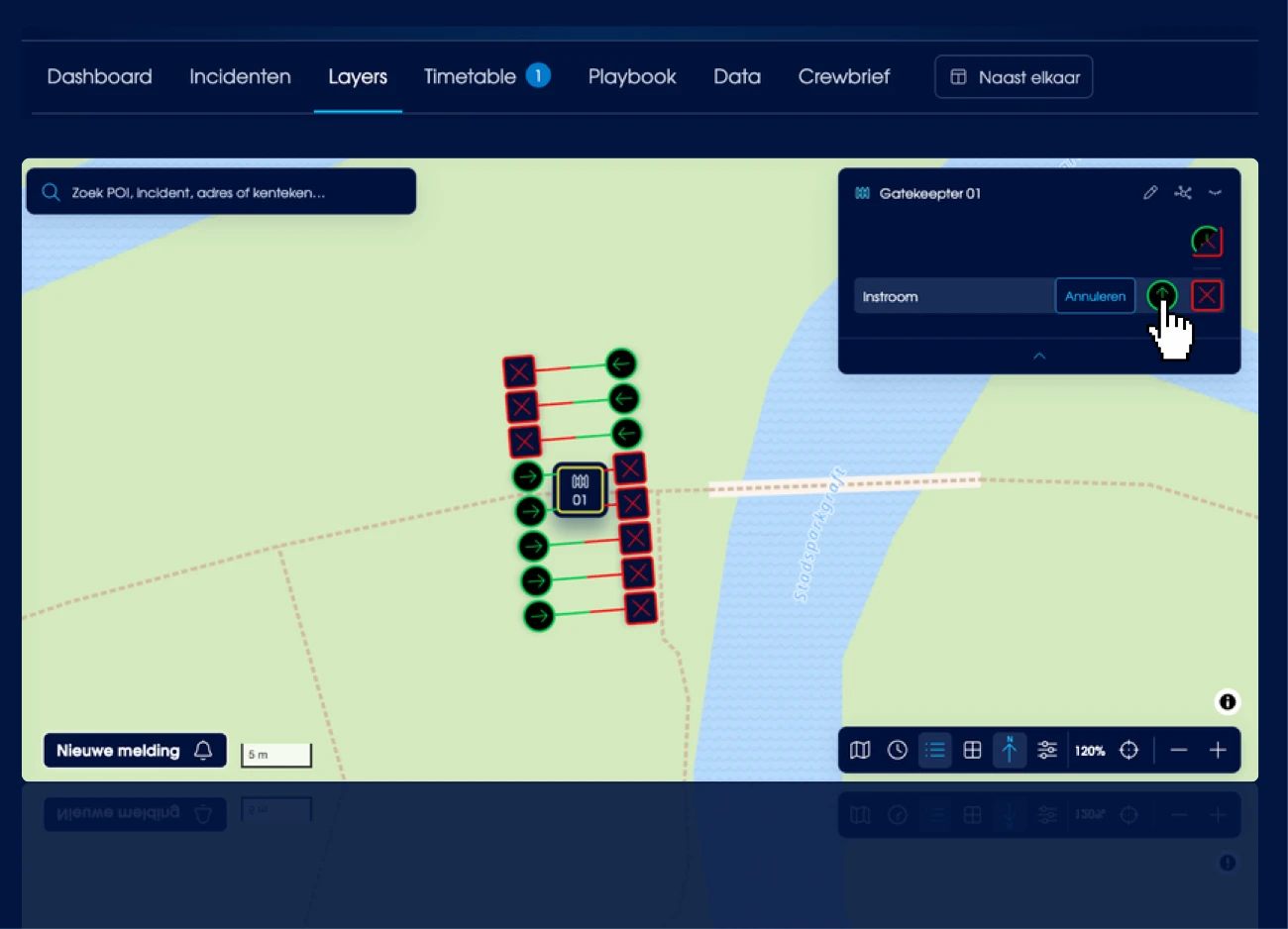
See the status of passageways and operate connected gates from the map.